Loading…
Loading…
Loading case study…
Real-estate teams were managing listings, clients, and showings across disconnected workflows. This project brings those operations into one structured workspace.
Here's what that looks like applied to a real scenario: a real estate team's day-to-day — listings, clients, and showings, run through the same architecture.
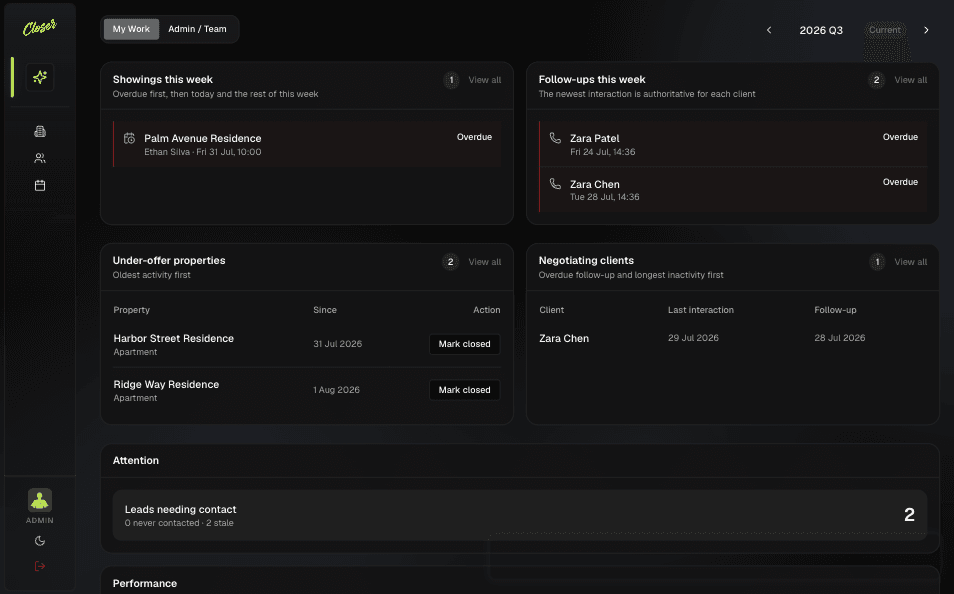
Dashboard
What needs attention today, not just a list of everything.
Dashboard
What needs attention today, not just a list of everything.
A prioritized queue, a pipeline that mirrors real work, listings with a lifecycle, and access that matches how the team is actually structured.
A prioritized queue, a pipeline that mirrors real work, listings with a lifecycle, and access that matches how the team is actually structured.
My Work
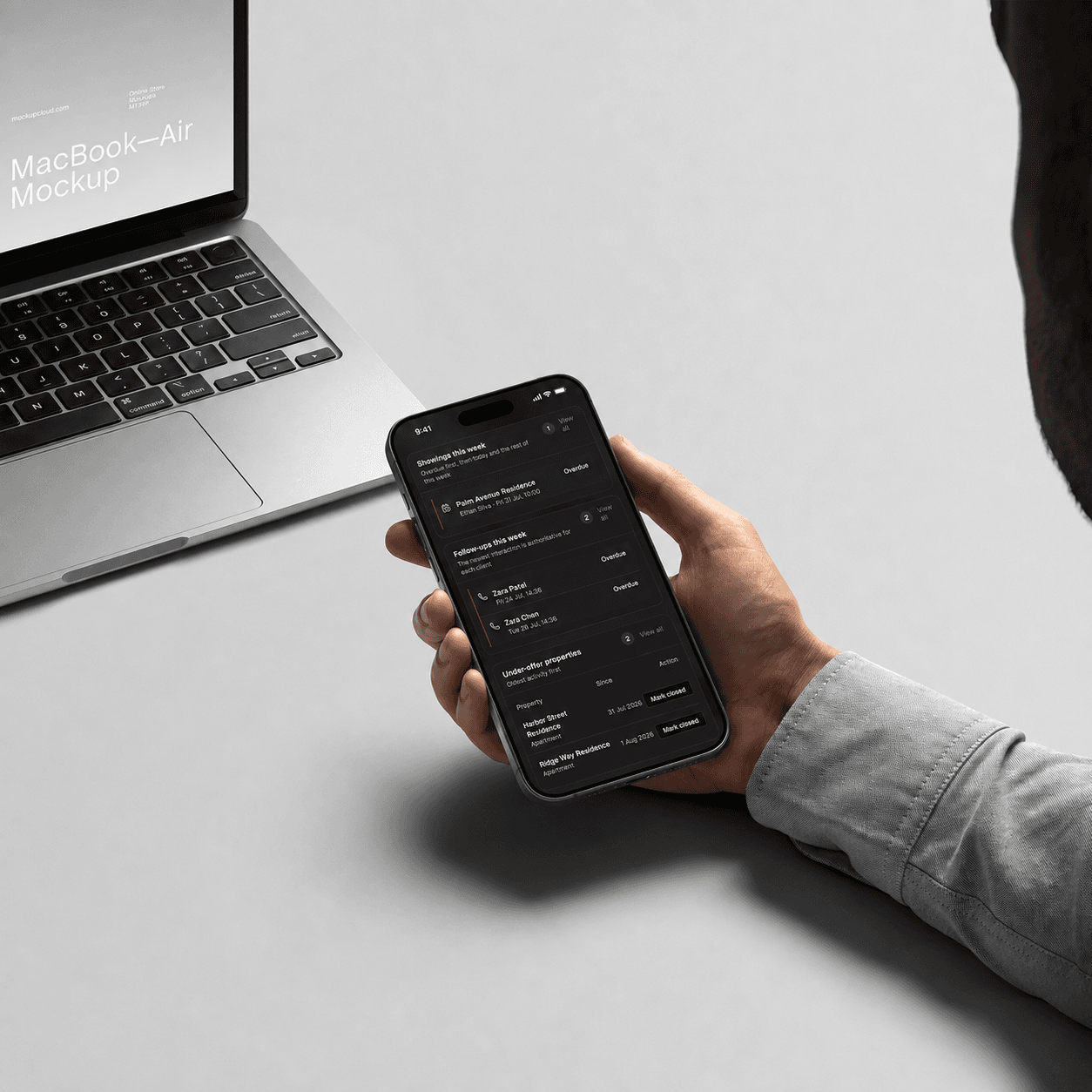
One view of what needs you this week — overdue showings, stale leads, deals going cold — instead of hunting across four different lists.
Pipeline, Not Just a List
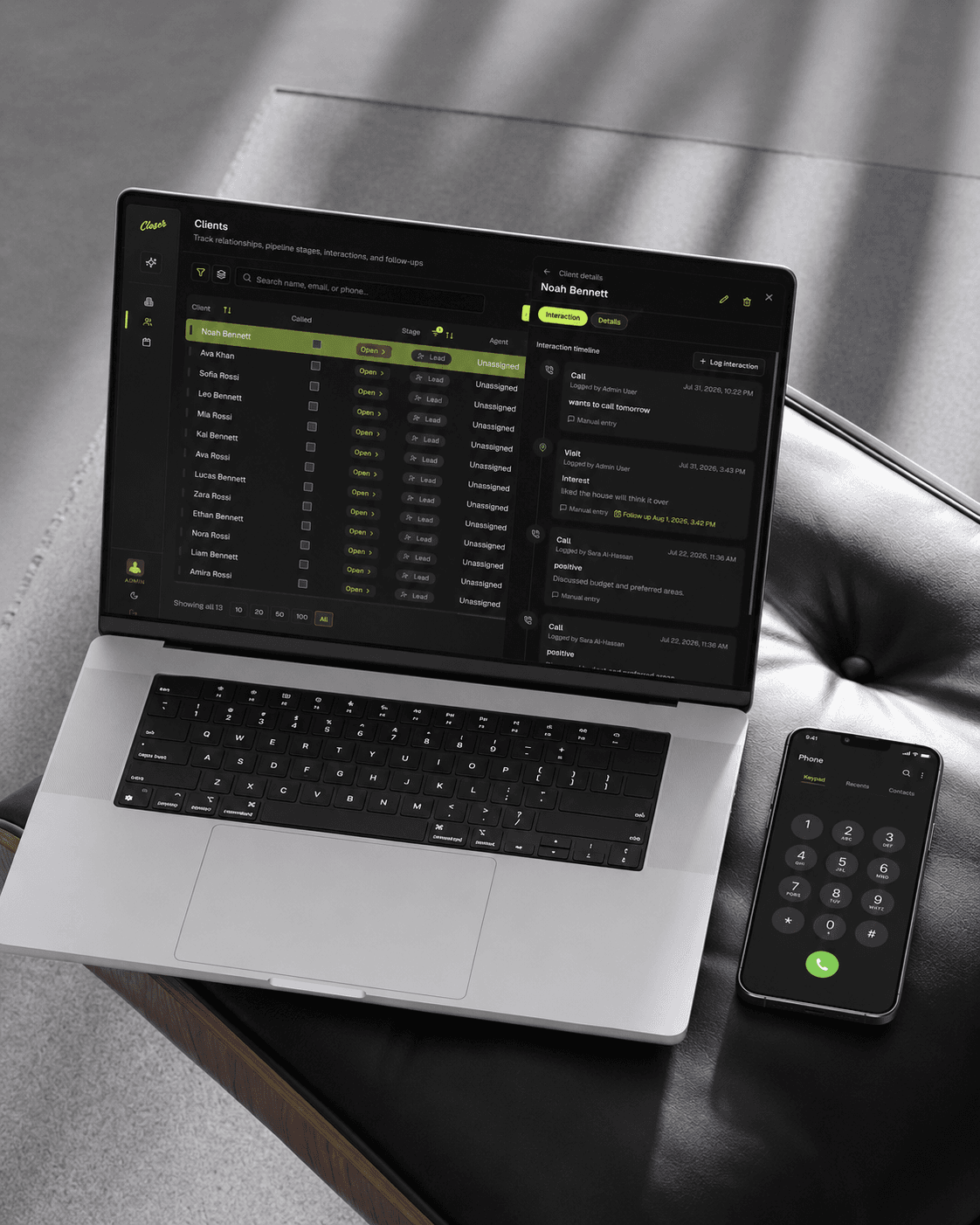
Clients move through real stages — lead to contacted to closed — with kanban or list view, and a memory of every call and visit.
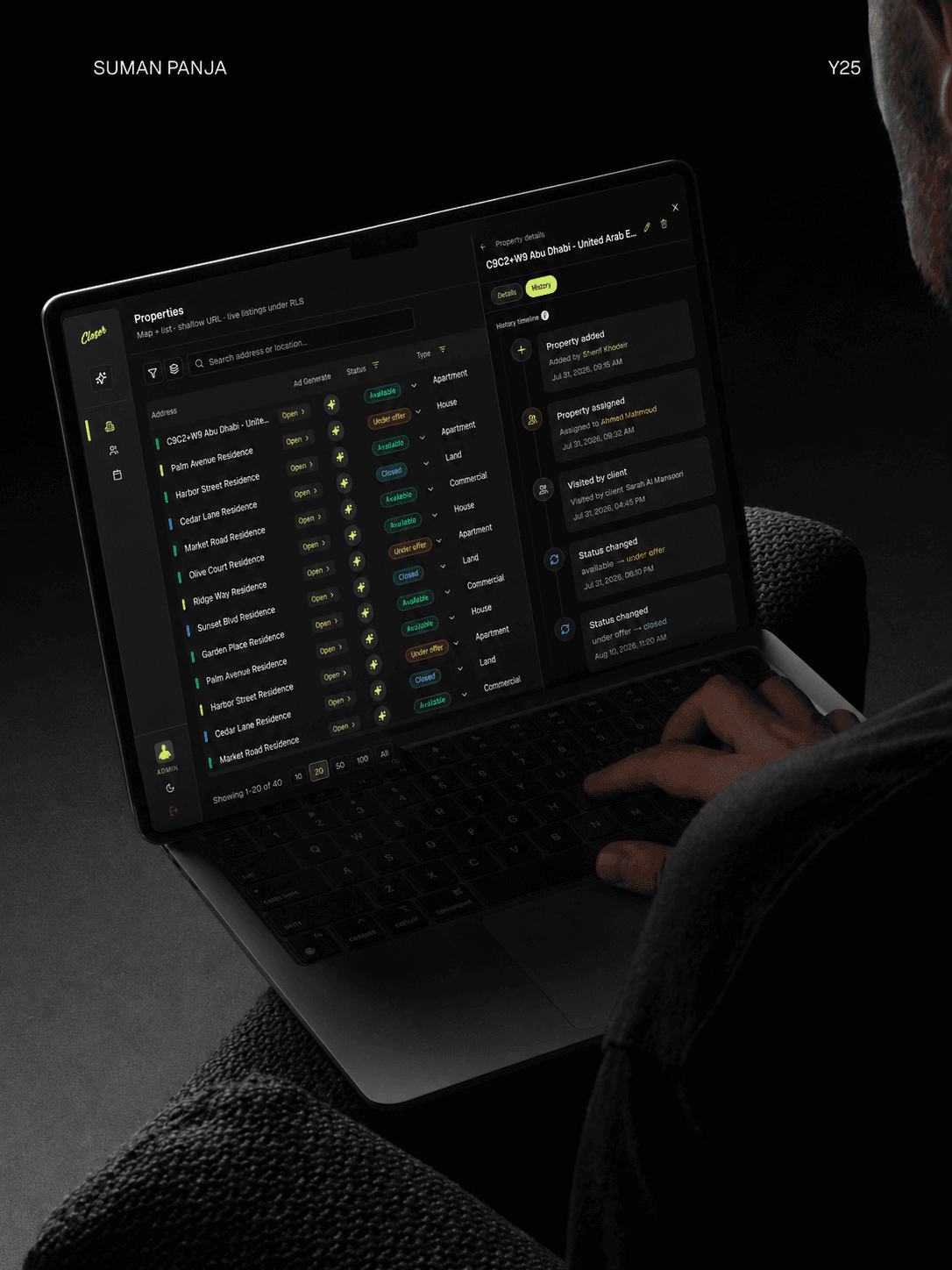
Listings with a Lifecycle
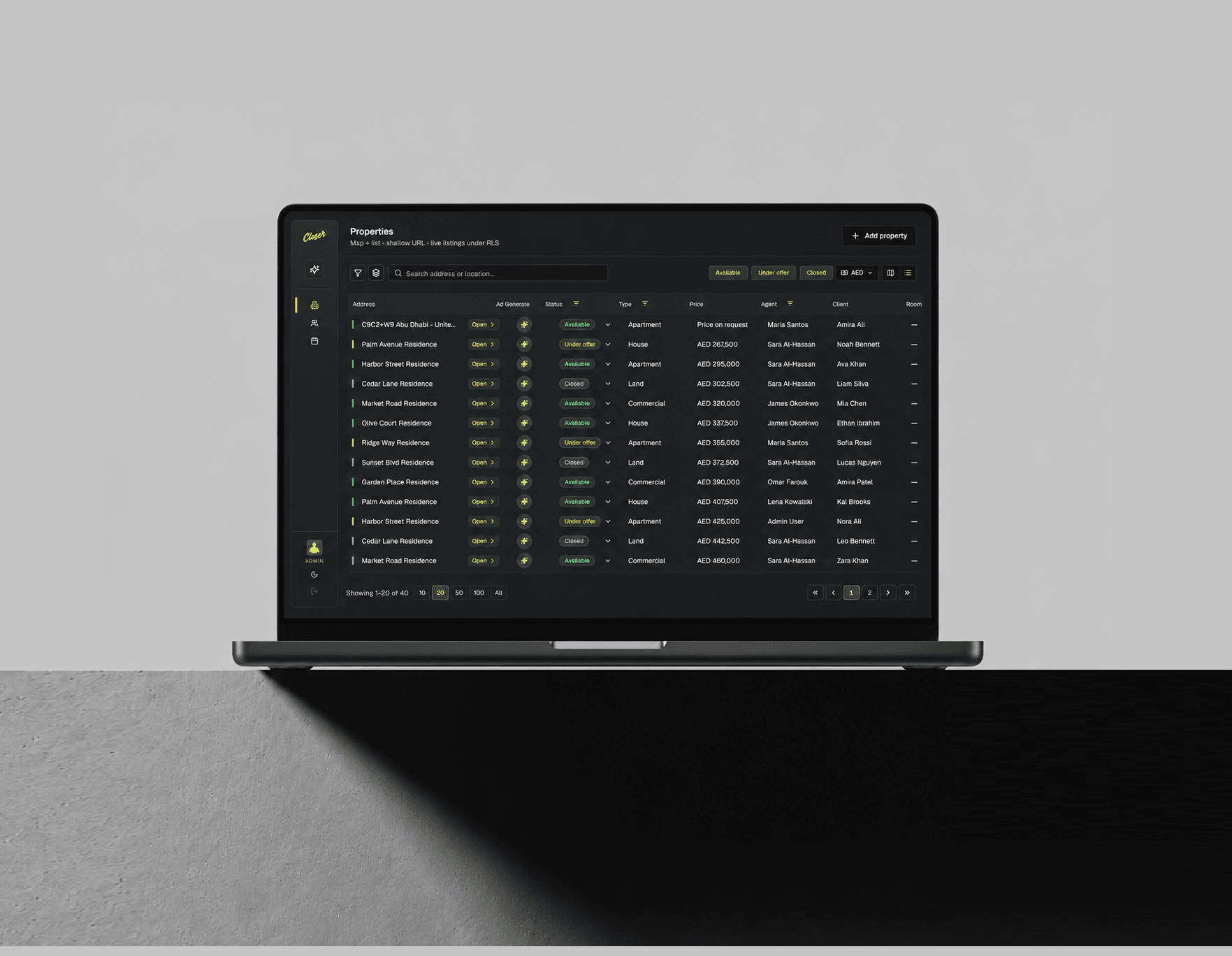
Properties tracked from available to under offer to closed, with map or table browsing and shareable filtered views.
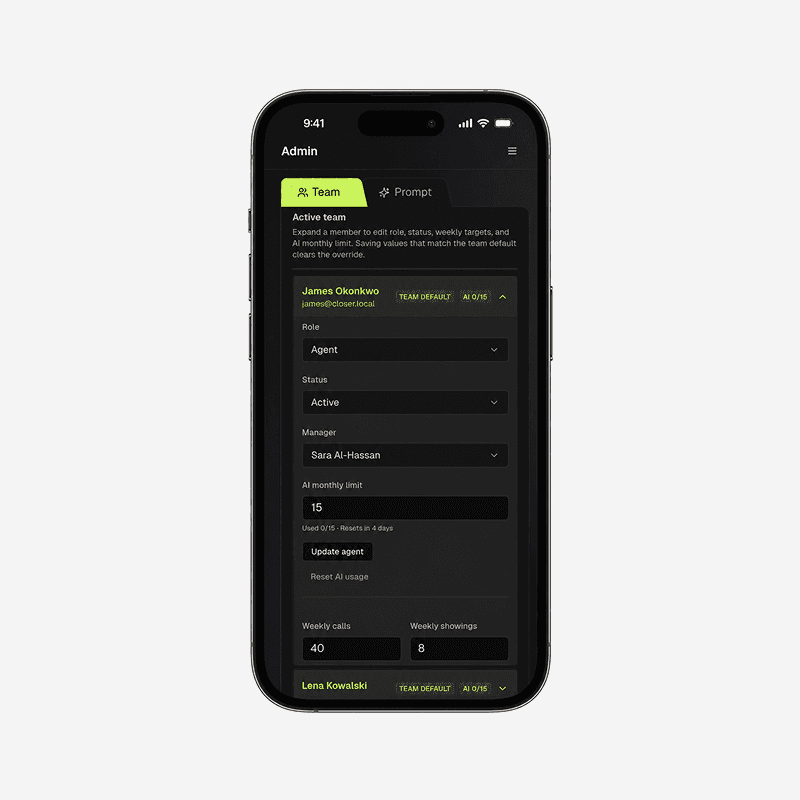
Built for a Real Team
Agents see their own book. Managers see their team. Admins see the org. Same product, different lens — enforced at the data level, not just hidden buttons.
Five decisions that keep the system easy to extend instead of harder — the same patterns apply whether it's a new page, a new role, or a new AI action.
Every list page — Properties, Clients, Schedule — follows the same server-first-then-interactive pattern, tested in a separate lab before being applied here. New pages inherit a known trade-off instead of re-litigating it.
Code is organized by responsibility — routing, composition, data, shared logic — each with a clear one-way dependency. It costs more setup upfront; it means the app doesn't get harder to work in as it grows.
Filters, view mode, and even which drawer is open live in the URL — so a manager can send a teammate a link and they land in the exact same view. That's a small detail that makes a big difference for a team, not a solo user.
Permissions aren't just hidden buttons — they're enforced at the database level, so an agent literally cannot query data outside their own book, whether from the UI or the AI assistant.
The assistant proposes a change, shows it, and waits for confirmation before anything is saved — same permission checks as a human user. It can act, but it can't skip the guardrails. Explore AI Integration

Touching Angles
An internal ops hub for a home care agency — replaces 15 spreadsheet workflows with config-driven reports and accordion-grouped compliance tracking.

Lotis
A project tracker for environmental consultants managing telecom sites — task dependencies are drawn as a diagram, with conditional branching built in.

Kingsman
Fleet ops tooling for a property services company — one dashboard merges overdue trailer returns with unpaid QuickBooks invoices into a single alert feed.

Revilo
Portfolio ops for a property investment firm — lifecycle drag-boards and expandable investor journey panels, all from one config-driven shell.

StellarStaff
Workforce oversight for a remote staffing agency — manager visibility is scoped to project roles, not a flat admin toggle.
Runs on a live database with real permission logic
Agents, managers, and admins each seeing exactly what their role allows.
The dashboard surfaces overdue work automatically,
Pipeline reflects how deals actually move,
The AI assistant operates under the same rules as everyone else
New pages follow the same patterns already proven
© 2026 Sherif Khodeir


